Custom artwork · Velvet
Velvet.
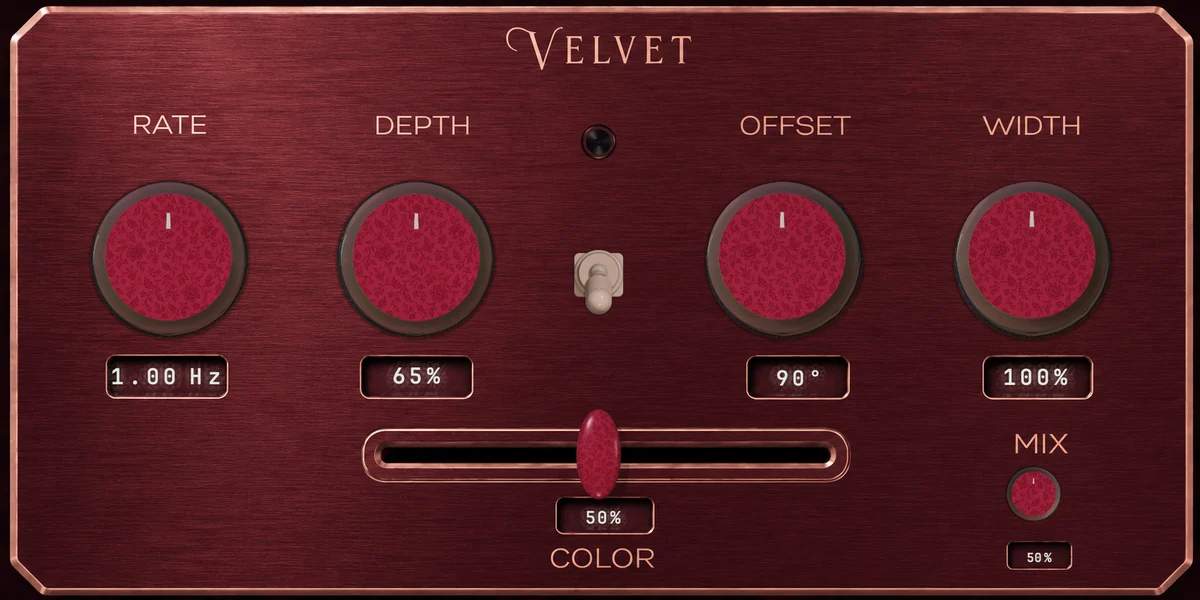
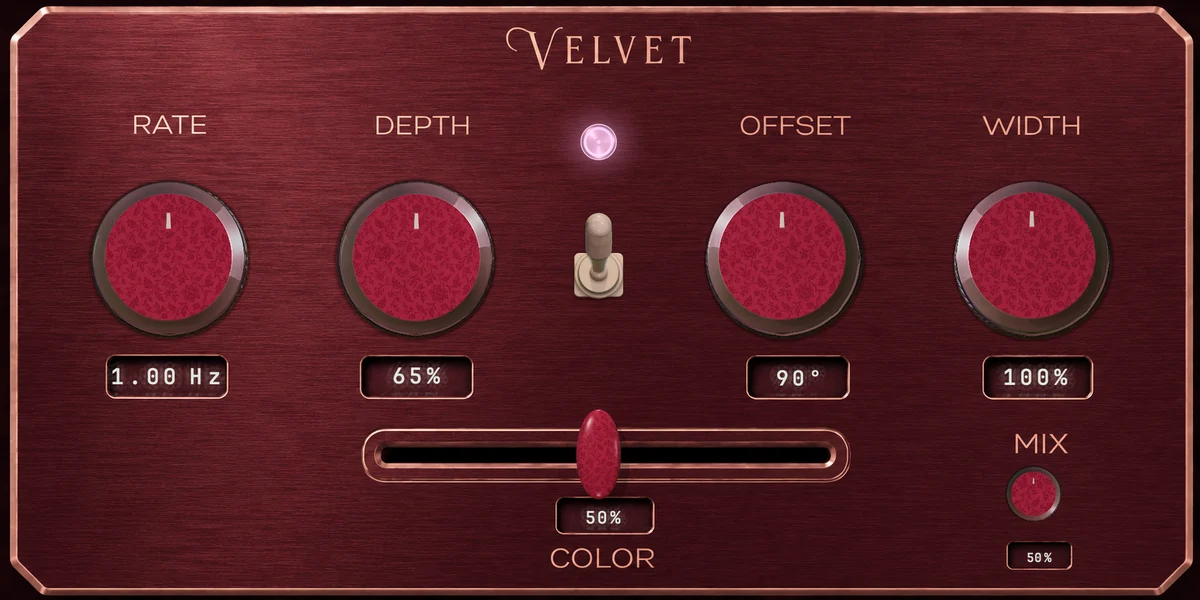
Deep wine red brushed metal with crushed velvet crimson knob caps, copper pointers and a pink lamp. Plush and warm.
Artwork only
A custom look changes what Choroboros looks like, not how it sounds. Your selected engine and its controls keep their behaviour. To change the sound, open Create and edit the engine itself.
Download the Velvet pack
See all looks16 files · ZIP · 84 MB
Explore the collection
Velvet
Assembled artwork preview. Download the individual components to build your layout in Create.
Download VelvetPNG components · ZIP · 83.8 MBFile details and checksum
Choroboros-velvet-Assets-v1.zip
SHA-256: 48af9143603c5c532130197472ae7aa674e664d342dd3d2d5a16bfa54c909a43Find your look.
26 of 26 designs
From download to your own design
Build your look in Create.
- Choose a design above, download its ZIP and unzip it on your computer.
- Open Choroboros → Create. Start or edit an engine. Use a custom 1774 × 887 canvas for the supplied background.
- In Appearance, select the part you want to replace and import its matching PNG. Assign the main knobs individually; choose the off or on artwork for the matching visual state.
- Adjust the layout to your taste, then save your engine. Each pack includes instructions, sprite dimensions and file checksums.
These are PNG component packs, not one-click presets. Backgrounds, 100-frame knob sheets, 25-frame switches and slider artwork are included in both lighting states. Website previews show an assembled example; layout and control placement are configured in Create.
Downloading the artwork is free. Using it requires access to Create in Choroboros. Download the plug-in or get a licence.